
Ranks & promotions
Build a rank ladder from points, kilometres and deliveries, and choose whether drivers rank up automatically or after staff sign-off.
How ranks work
Ranks are the ladder your drivers climb. Each rank sets minimum thresholds — points, kilometres, deliveries — and a member holds the highest rank whose thresholds they meet. As drivers earn points (see /admin/points) and log Trucky deliveries (see /integrations/trucky), their standing is recalculated automatically; whether crossing a threshold promotes them on the spot or queues a staff sign-off is your choice.
Ranks live in the Hub panel's Engagement group: Ranks for the ladder, Pending promotions for
the approval queue. Managing ranks needs the ranks.manage permission; approving promotions needs
ranks.approve.
The default ladder
Every Hub starts with five editable tiers — rename, re-badge, re-threshold or delete any of them:
| Rank | Minimum points | Minimum km | Minimum deliveries |
|---|---|---|---|
| Trainee | — | — | — |
| Driver | 100 | — | — |
| Senior (Senior Driver) | 500 | — | 25 |
| Veteran | 2,000 | 50,000 | — |
| Elite | 5,000 | 150,000 | 200 |
A member must meet every filled-in threshold of a rank to hold it. A rank with no thresholds at all (like Trainee) is held by everyone, which makes a friendly bottom rung.
Create or edit a rank
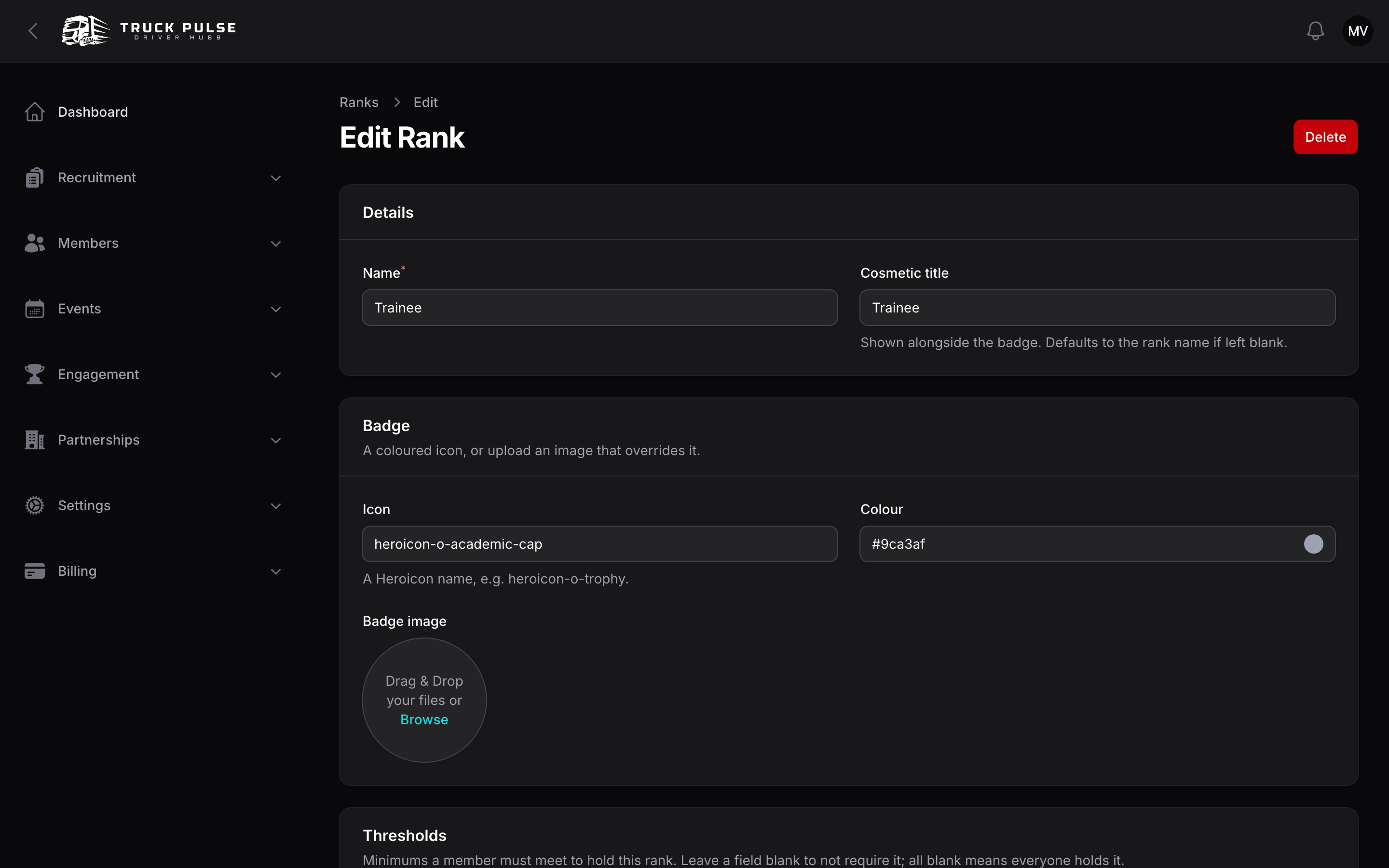
On Ranks, create a rank and fill in:
- Details — the Name and an optional Cosmetic title shown alongside the badge (it defaults to the name).
- Badge — an Icon and Colour, or upload a Badge image that overrides them.
- Thresholds — Minimum points, Minimum km and Minimum deliveries. Leave a field blank to not require it. The Live preview answers the question that matters before you save: "N members would hold this rank".
- Perk — an optional Linked role granted to members while they hold the rank, e.g. access to a senior-drivers area. You can only link roles below your own in the hierarchy, so a rank can never hand out more power than its creator holds (see /admin/roles-permissions).
Drag rows on the ranks list to reorder the ladder.
Automatic vs staff-approved promotions
By default, a driver who crosses a threshold is promoted immediately and notified (a Rank changes notification, and a Discord announcement if you've routed it — see /integrations/discord).
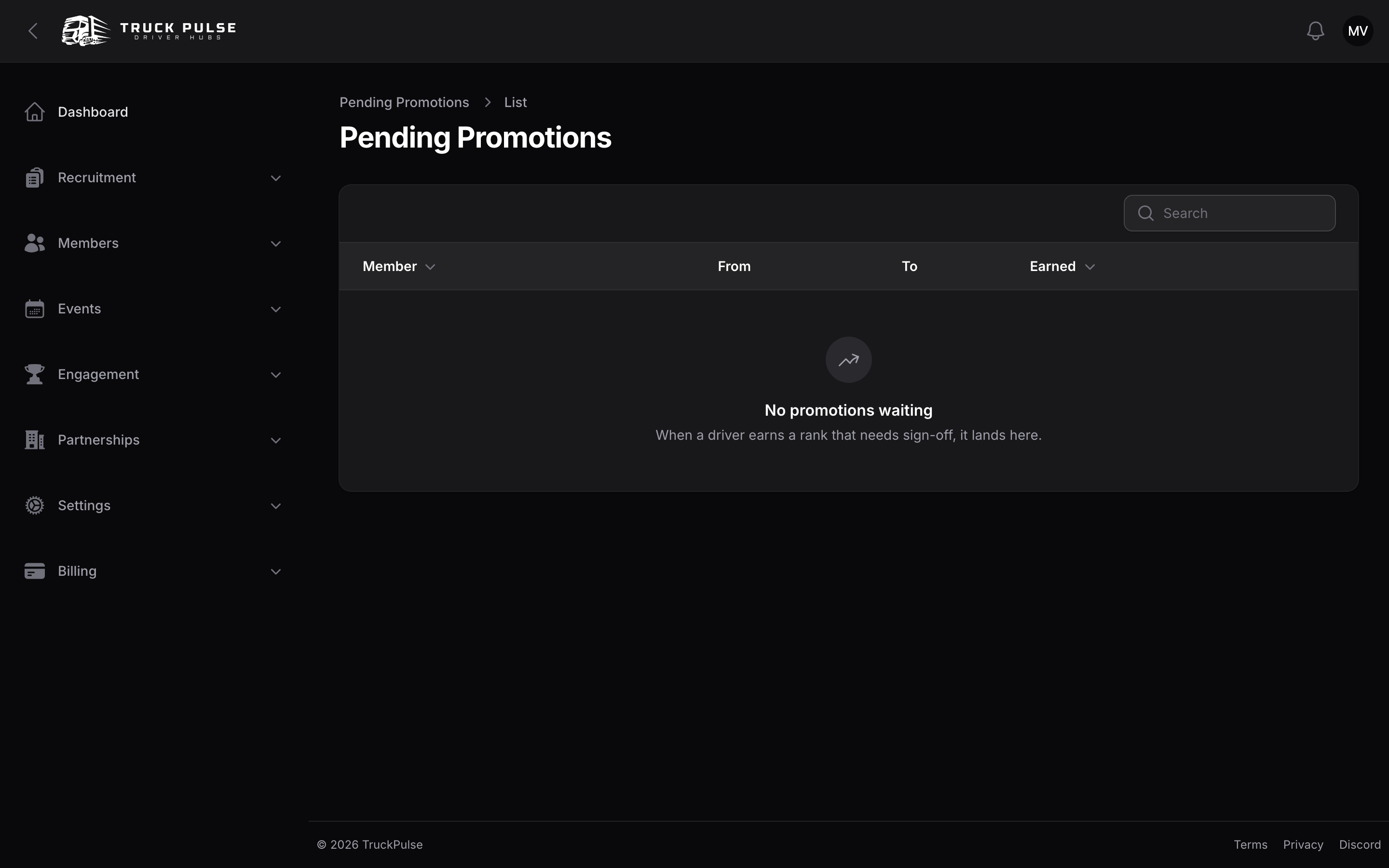
Prefer to keep a human in the loop? Turn off Promote automatically in Rank settings. Earned promotions then land on Pending promotions, showing the member, their current rank and the rank earned. Approve applies the promotion; Dismiss leaves them where they are — they can still be promoted later.
Rank settings
Go to Settings → Ranks in the Hub panel (needs the update-settings permission):
| Setting | Default | What it does |
|---|---|---|
| Points threshold basis | Lifetime points earned | What Minimum points is checked against. Lifetime means a rank, once earned, is safe from decay and spending; Current points balance lets a shrinking balance pull drivers back down |
| Promote automatically | On | Turn off for staff sign-off on every promotion |
| Demotion policy | Never demote automatically | Never keeps ranks as trophies; Only when points balance drops and Always follow thresholds treat them as a live standing |
Kilometre and delivery thresholds are always lifetime totals — only points has the lifetime-vs-balance choice.
How ranks display
A member's rank badge and title show up across your Hub: on the roster, on member profiles, and in the driver panel, where a rank-progress widget on the dashboard shows each driver how far they are from the next rung — per dimension, so "500 km to Veteran" is no mystery. Promotion history is kept, so you can always see when someone ranked up and why.
Related guides
- /admin/points — the currency most ladders are built on
- /admin/roles-permissions — the roles a rank can grant as a perk
- /driver/points-ranks — the driver's view of the ladder